What counts as a disposable email address?
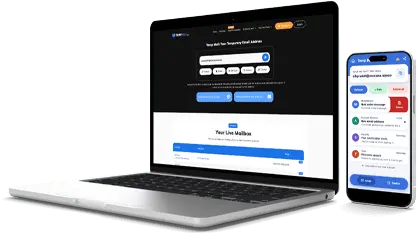
A disposable email address is a temporary inbox on a throwaway service's domain. You get it without signing up, use it once, and it disappears. Mailinator, Guerrilla Mail, 10 Minute Mail and YOPmail are the well-known ones.
The address itself usually looks like a normal email. What makes it disposable is the domain it sits on, not the name before the @.
How this checker decides
Paste an address and the checker looks at the domain after the @. It compares that domain with a list of known disposable services, more than 220,000 domains in the copy we run, updated from a public list every week.
If the domain, or any parent domain above it, is on the list, the address is disposable. A subdomain counts too, so an address on a subdomain of a known throwaway service is still flagged.
The checker also compares the domain with a separate list of free webmail providers, Gmail, Outlook, Yahoo and more than 4,400 others, so a free address is not mistaken for a throwaway one. Finally it looks up the domain's MX records to see whether the domain can receive mail at all. All three checks run in under a second.
What the result does not prove
A "not disposable" result means the domain is not on our list. It does not mean the mailbox exists, the address is active, or the person behind it is who they say they are. A brand-new disposable domain can also be missing from the list for a few days, since new services appear all the time. Use the result as one signal, not a verdict on a person.
When to use it
If you run a site and want to stop throwaway signups, check addresses at registration and ask for a permanent one when the result is disposable. If you are a developer testing a signup flow, check whether the test address you used is a throwaway. If an email looks odd, check the domain before you reply or click anything in it. The checker sends no email and stores nothing you type.
Check an address in seconds
Type or paste the full address and click Check. You can also paste just a domain, with or without the @ part. The verdict shows the domain, whether it is disposable or free webmail, and whether its mail servers answer. No account and no waiting.
Sources: the disposable list behind this checker is the public FFraud disposable-email-domains list on GitHub, rebuilt every 30 minutes from honeypot sensors and community reports. The free webmail list comes from the open-source freemail project.
The classic disposable-email-domains blocklist is a second public source other checkers use. Emailvalidation.io and dnsrobot.net publish the same list-based method with live MX lookup.