In short
- Your address is live for 30 minutes from the moment this page loads.
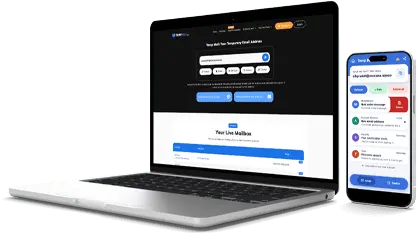
- Messages arrive in the inbox above, usually within seconds.
- When the timer hits zero, the page refreshes with a fresh address and an empty inbox.
What Is 30 Minute Mail?
30 minute mail (sometimes written as 30minutemail) is a disposable email address with a half-hour life. It receives real mail while the countdown runs, so confirmations, welcome emails and follow-ups all land in the inbox above. After 30 minutes the address stops working and the messages disappear. The longer window exists for one reason: some senders are slow, and some sign-up flows send several emails instead of one.
Thirty minutes is the patient option among the short timers. It covers the onboarding flow that sends a confirmation, then a welcome email, then a prompt to finish your profile. It also covers the confirmation that sits in a queue for ten minutes before it is sent. Shorter timers would have expired by then.
How the 30 Minute Timer Works
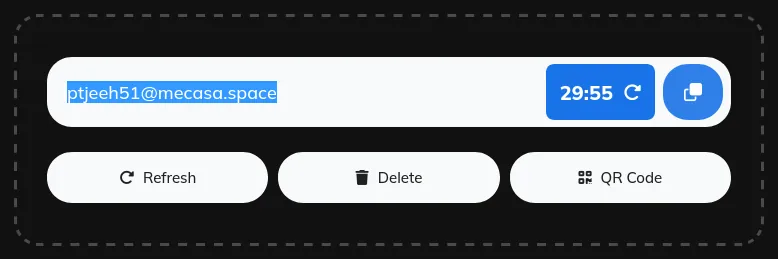
- Open this page and your temporary email address is ready at once, with the countdown already running.
- Copy the address. Use the copy button and paste it into the form that asked for an email.
- Watch the countdown. The timer next to the copy button shows how much time is left.
- Need more time? Click the refresh icon next to the timer to restart the countdown at 30 minutes.
- When time is up. The page refreshes with a brand-new address and an empty inbox.
When 30 Minutes Is the Right Length
Use a 30 minute address for forms and onboarding flows that send several emails, for waiting on a slower confirmation message, and for free trials that space their emails minutes apart. It also fits a download that unlocks by email after a delay, and a support thread where the reply comes back within the half hour.
For a single code that arrives in seconds, 30 minutes is more waiting than you need. A 5 minute mail address or a 10 minute mail address cleans itself up faster, and 20 minute mail covers most trials. If the task stretches past half an hour, step up to 60 minute mail, or create a custom temp mail address from the free temp mail home page that has no countdown at all.
What a Timed Inbox Cannot Do
A timed inbox receives mail. It cannot send it. That is deliberate: a receive-only inbox sends nothing, so no one can use it to spam other people. AdGuard notes that some sites block temporary email domains, so if a site rejects your address, try another domain or a fresh address.
Expiry is final. Once the timer ends, the old address and its messages disappear, and no one can reopen them. So never use a temporary address for banking, work, password resets on real accounts, or anything you may need to recover months later. For those, use your permanent email.





 Play Store