In short
- Your address is live for 5 minutes from the moment this page loads.
- Messages arrive in the inbox above, usually within seconds.
- When the timer hits zero, the page refreshes with a fresh address and an empty inbox.
What Is 5 Minute Mail?
5 minute mail (sometimes written as 5minutemail) is the shortest disposable email address on this site. It lives for five minutes, receives your message, and then deletes itself. No account, no cleanup, nothing left behind. It is the right tool when the whole job takes less than a minute and you want the address gone as fast as possible.
Five minutes sounds short, and it is meant to be. Most verification codes arrive in seconds, so the window is generous for its real job and tight for everything else. The address exists only for the code, and the code is the only thing you need from it.
How the 5 Minute Timer Works
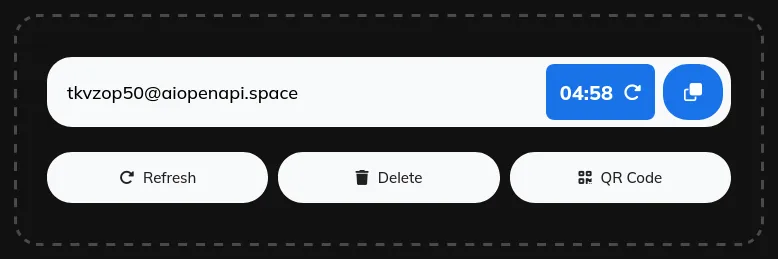
- Open this page and your temporary email address is ready at once, with the countdown already running.
- Copy the address. Use the copy button and paste it into the form that asked for an email.
- Watch the countdown. The timer next to the copy button shows how much time is left.
- Need more time? Click the refresh icon next to the timer to restart the countdown at 5 minutes.
- When time is up. The page refreshes with a brand-new address and an empty inbox.
When 5 Minutes Is Enough
Use a 5 minute address for a one-time verification code, a download link, or a form that only needs to confirm your email once. Paste the address, wait a few seconds, read the code, and you finish before the timer is halfway through.
Do not pick 5 minutes for anything that sends mail slowly. If the site takes minutes to deliver, or the flow sends a second email after the first, the timer can run out mid-task. In that case restart it with the refresh icon, or start with a longer window: 10 minute mail for ordinary sign-ups, 20 minute mail for free trials. The longer timers work the same way, they only wait longer before cleaning up.
What a Timed Inbox Cannot Do
A timed inbox receives mail. It cannot send it. That is deliberate: a receive-only inbox sends nothing, so no one can use it to spam other people. AdGuard notes that some sites block temporary email domains, so if a site rejects your address, try another domain or a fresh address.
Expiry is final. Once the timer ends, the old address and its messages disappear, and no one can reopen them. So never use a temporary address for banking, work, password resets on real accounts, or anything you may need to recover months later. For those, use your permanent email.
If you want an address you can return to, create a custom temp mail address from the free temp mail home page instead.





 Play Store